Remote Tune Prep
Remote BMW Tuning Checklist: What to Have Ready Before You Start
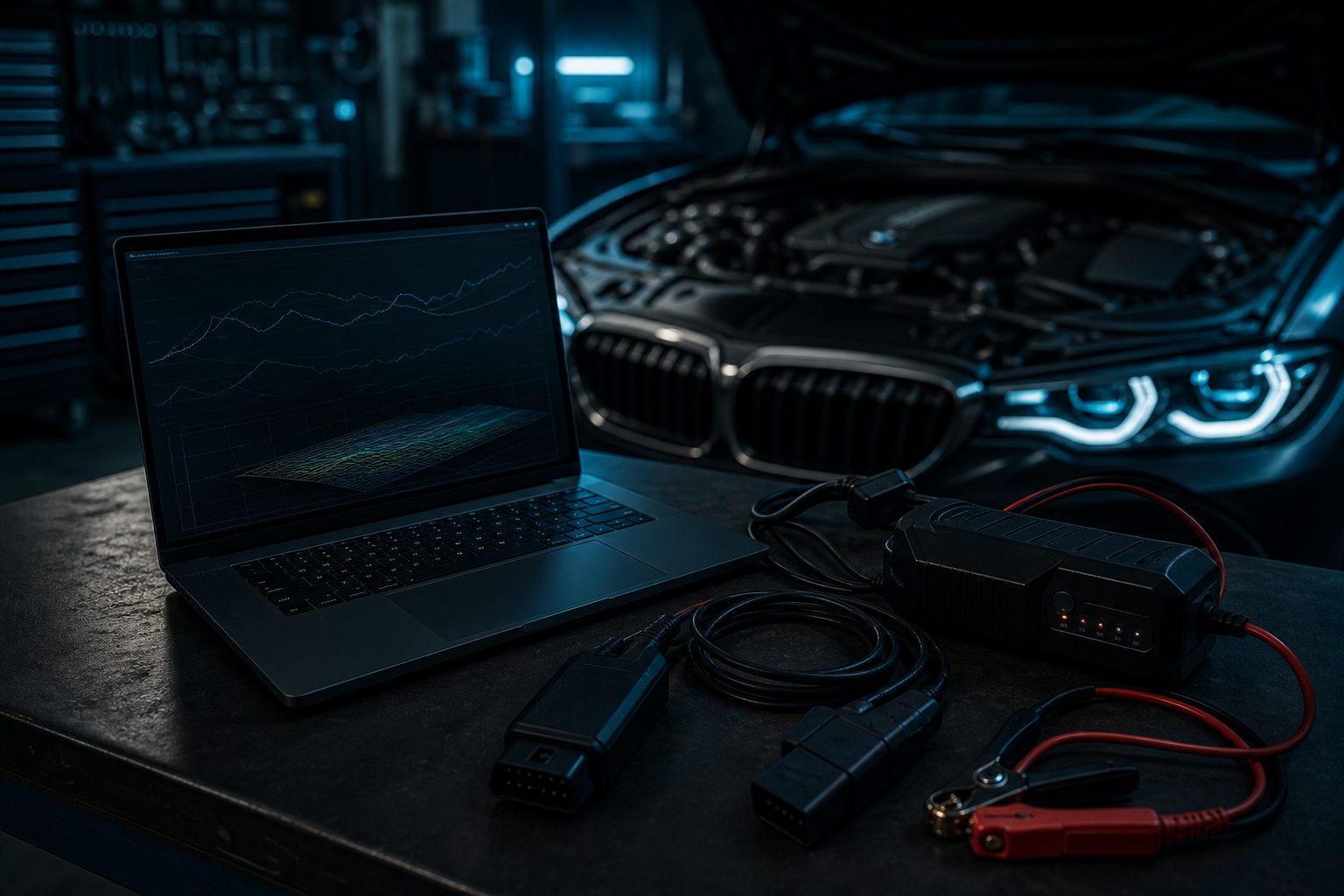
Remote tuning works because it turns your real car into the test environment. That is powerful, but it also means preparation matters. The smoother your prep is, the faster your tune gets dialed in.
What should I check before remotely tuning my BMW? At minimum: confirm your flashing and logging tools work, keep the battery voltage stable while flashing, know your exact hardware and fuel, fix any known mechanical issues first, and plan a safe, legal place to log. The full breakdown is below.
Use this checklist before you start.
1. Have the right flashing and logging tools
Make sure you have the exact app, cable, device, or adapter required for your platform. Do not wait until the first tune file arrives to discover you are missing a cable, driver, or login.
Before tuning day:
- confirm the flash tool works
- verify the app is updated
- test that logging works
- check storage space on the device you will use
- keep login details accessible
2. Use stable battery support
One of the easiest ways to create problems is flashing a car on weak voltage.
Use a proper charger or power supply appropriate for the platform and the flashing process. Remote tuning should feel controlled, not rushed. Stable voltage protects the flash process and reduces unnecessary stress.
3. Know your exact setup
Your tuner needs accurate information about:
- engine/platform
- transmission
- turbo setup
- intercooler and downpipe
- fueling upgrades
- intake changes
- spark plug and coil status
- current fuel in the tank
- elevation and climate if relevant
The more accurate the intake information is, the fewer avoidable revisions you will need later.
4. Pick the fuel before the tune, not during it
Decide what fuel the car will actually run most of the time.
Common problems start when customers switch between 91, 93, E30, and full ethanol without clearly communicating what is in the tank. A tune needs stable assumptions. If the fuel keeps changing, the logs will keep changing too.
5. Make the car mechanically healthy first
A remote tune is not a substitute for unresolved maintenance.
Address known problems first:
- boost leaks
- misfires
- old plugs
- weak coils
- vacuum line issues
- failing sensors
- existing drivetrain faults
Tuning a car with known hardware problems usually wastes time and muddies the data.
6. Plan where you will log
Datalogging should be done somewhere safe, legal, and repeatable. Good road conditions matter because wheelspin, bumps, traffic, and abrupt throttle input all make the data less useful.
Ask your tuner:
- which gear to use
- what RPM range to start and end at
- how many pulls are needed
- whether part-throttle logs are also useful
7. Follow the revision workflow exactly
Remote tuning moves fastest when communication is clear.
A good revision message usually includes:
- which map version you tested
- what fuel was in the car
- what the weather was like
- what felt good or bad
- the logs attached in the requested format
Avoid vague feedback like “it feels off.” More specific information helps much more: “boost comes in hard at midrange,” “it shifted well,” or “I felt breakup near the top of third.”
8. Do not stack random changes mid-process
If you change hardware, fuel, tires, or transmission behavior in the middle of revisions, tell the tuner. Otherwise the data stops being comparable.
Custom tuning works best when one set of variables is refined at a time.
9. Expect a process, not an instant final file
The best remote tune is usually built through revisions. The first file establishes a safe and useful baseline. The logs reveal what needs to change. Each pass sharpens the final result.
That is the point of custom tuning: it is not generic.
10. Keep your goals realistic
Be clear about what you want most:
- daily drivability
- stronger midrange
- track consistency
- ethanol performance
- upgraded turbo support
- conservative long-term reliability
These priorities influence how the calibration is shaped.
Final takeaway
Remote BMW tuning works best when the hardware, fuel, battery support, and logging process are all ready before the first file is flashed.
If you are still comparing routes, start with Synergy's remote BMW tuning service to see what's included and get a quote. If the car is ready and you want to begin the calibration process, go straight to Get a quote and provide the full setup details.
Pick your platform, select your hardware stage, add what you need, and checkout to start intake immediately.
Get a Quote →